
Photoshop tutorial simple metal texture

Photoshop tutorial simple metal texture
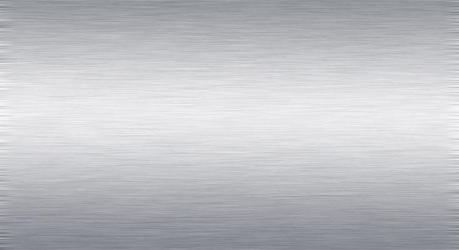
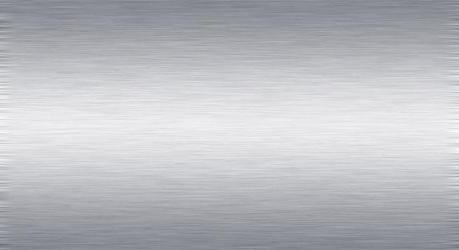
Simple metal texture in Photoshop, waht we use is gradient tool, motion blur effect and add noise.
1. Create new document, with dimension 900px X 600px.
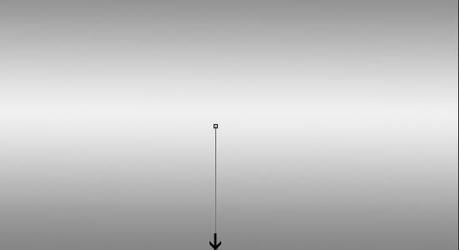
2. Create new layer, with Gradient Tool (G) fill the new layer with these colour #f0f0f2 #85888f
Photoshop tutorial simple metal texture
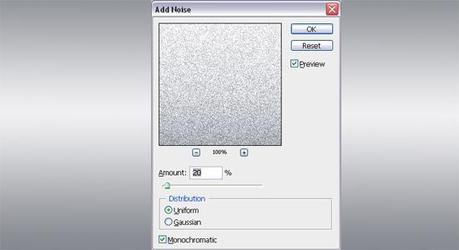
3. Add Noise Effect, Go to Filter > Noise > Add Noise, with Ammount 20, uniform, monochromatic
Photoshop tutorial simple metal texture
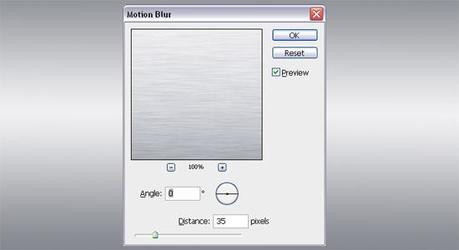
4. Add motion blur effet, Filter > Blur > Motion Blur, Angle 0, Distance: 35 pixels
Photoshop tutorial simple metal texture
5. You're done, like this the result

Photoshop tutorial simple metal texture

wallpaper-1019588
Die richtige Matratze für erholsamen Schlaf
wallpaper-1019588
[Comic] Bis zum bitteren Ende – erweiterte Neuauflage
wallpaper-1019588
Münchner Zahnarzt am Marienplatz finden: Worauf Patienten wirklich achten sollten
wallpaper-1019588
Drohne im Flugzeug transportieren – so machst du es richtig
wallpaper-1019588
Schildkröte eingraben: Warum sie sich im Sommer versteckt